
Released July 2021
Made In Korea #3
Synopsis
WHAT DO THE LIGHTS ON YOUR PROXY MEAN? The lights on your Proxy communicate its status. • Blue - Your child is processing your request. • Red - Your child's microphone on and off button was pressed. • Orange - Your child is experiencing internet connectivity issues. • The Do Not Disturb feature is turned on. 1. Press and hold the Action button (behind left ear). 2. Wait until the light ring turns green (about 25 seconds).
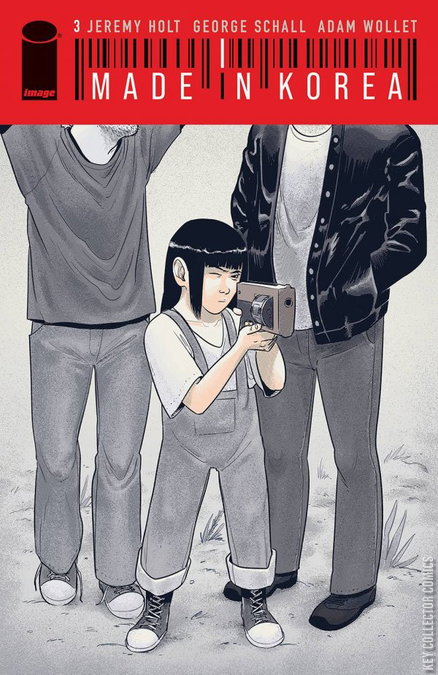
Synopsis
WHAT DO THE LIGHTS ON YOUR PROXY MEAN? The lights on your Proxy communicate its status. • Blue - Your child is processing your request. • Red - Your child's microphone on and off button was pressed. • Orange - Your child is experiencing internet connectivity issues. • The Do Not Disturb feature is turned on. 1. Press and hold the Action button (behind left ear). 2. Wait until the light ring turns green (about 25 seconds).
Details
- Series
- Made In Korea
- Cover Date
- July 2021
- Pages
- N/A
- UPC
- N/A
- Cover Price
- $3.99
- Final Order Cutoff
- N/A
Creators
-
WriterJeremy Holt
-
ArtistGeorge Schall
-
ColoristGeorge Schall
-
Cover ArtistGeorge Schall
-
LettererAdam Wollet